How to Accept M-Pesa Payments for Events
How to Accept M-Pesa Payments for Events: Complete Setup Guide
Accepting M-Pesa for event tickets in Kenya is straightforward when you use a platform built for it.
You don’t need to be a technical expert or integrate M-Pesa yourself—the right ticketing tool handles STK push, confirmations, and payouts. This guide walks you through the steps.
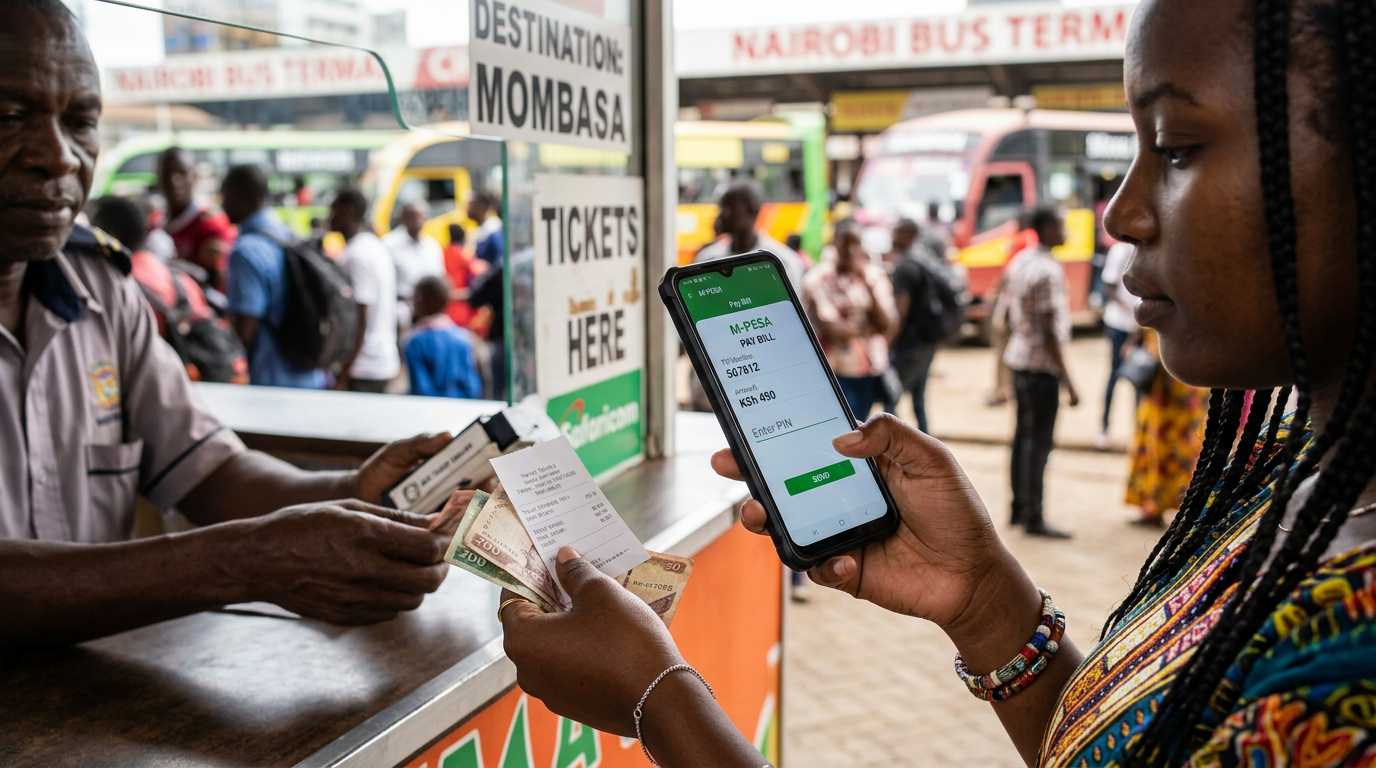
Why M-Pesa matters for event tickets
Most Kenyan event-goers prefer to pay with M-Pesa.
If your event page only accepts cards, you miss a large share of potential buyers. Platforms that support M-Pesa natively let attendees pay with a few taps and get instant confirmation—no extra apps or steps.
Step 1: Choose a ticketing platform with M-Pesa
Pick a platform that supports M-Pesa out of the box (e.g. SoldOutAfrica, Pesapal Events, Mtickets).
That way you don’t need to set up your own Till or Paybill or deal with Safaricom APIs. The platform handles the flow and you focus on your event.
Step 2: Create your event
Add your event details: name, date, venue, and description.
Then create one or more ticket types (e.g. General, VIP, Early Bird) and set prices in KES. Save and you’re ready for the next step.
Step 3: Enable M-Pesa (and card if needed)
In your organizer dashboard, turn on M-Pesa for ticket sales. The platform will typically handle:
- STK push — the buyer enters their number and receives a prompt on their phone.
- Confirmation — payment success is recorded and the ticket is issued.
- Payouts — funds are settled to you according to the platform’s schedule.
Many platforms also support card payments on the same page, so international or card-only attendees can still buy.
Step 4: Share your ticket link
Share your event page link (e.g. soldoutafrica.com/your-event) on social media, WhatsApp, or email.
Attendees open one link, choose a ticket, pay with M-Pesa or card, and receive their ticket. No separate payment gateway or redirect needed.
Step 5: Track sales and payouts
Use the dashboard to see sales in real time, check capacity, and manage payouts.
You’ll see which tickets sold, when, and through which payment method.
Get started
Sell tickets with M-Pesa on SoldOutAfrica—setup takes minutes, not days.
For more context, read our complete guide to event ticketing in Kenya.
Once M-Pesa is collecting
Getting the integration live is the easy part, and it is where most guides stop. The questions that follow are financial.
Can you reach the money? Instant M-Pesa collection means nothing if the platform holds it until after the event. Confirm settlement timing in writing before you list — why most platforms make you wait.
Who funds the gap? The venue and artist need paying before the first STK push. Event prefinancing covers it from a dedicated capital pool, repaid from ticket revenue.
What is the all-in cost? A headline rate plus separate M-Pesa processing plus a per-withdrawal fee is a different number from the one advertised. Ours is a competitive commission per ticket sold, with no monthly subscription, no listing fee and no per-payout charge.
Two things to test before you announce
Run a real KES 1 transaction end to end and confirm the ticket issues, the SMS arrives and the money appears where you expect. Then check what happens to a payment M-Pesa confirms but the platform does not record — every platform has this failure mode under load, and the honest ones can describe their reconciliation process.
Then read why ticketing sites crash on sale day before you set your announcement time.
Go to the organizer portal → — a competitive commission per ticket sold, no monthly fee, no listing fee. Tell us what you are planning in the next six months and we will tell you what we can front.
Frequently asked questions
- How do I accept M-Pesa for event tickets?
- Use a ticketing platform that supports M-Pesa, such as SoldOutAfrica. Create your event, enable M-Pesa, and share the ticket link with attendees.
- Is M-Pesa good for event ticketing?
- Yes. M-Pesa is widely used in Kenya for event tickets; most attendees prefer paying with mobile money.
- Do I need a separate M-Pesa business account for event ticketing?
- It depends on the platform. With SoldOutAfrica, M-Pesa is built in—you don’t integrate your own Till or Paybill; the platform handles STK push and confirmations.